


























About Vex Hyper Dash
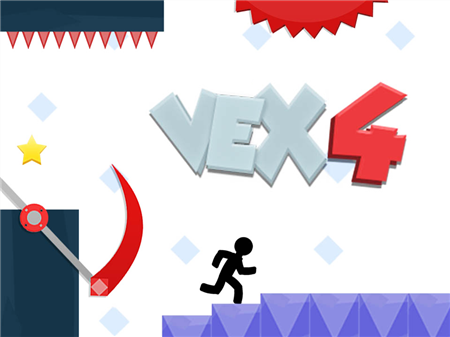
Vex Hyper Dash combines automatic progression through platform hazards with a separate dash action. The game involves a survival objective, so a successful move must preserve the next landing or opening rather than merely cross the nearest spike.
How to Play Vex Hyper Dash
Use the jump to clear a hazard and reserve the dash for a section where its destination is visible. Check the control settings before a run if the dash placement feels uncomfortable.
Reserve the Dash for a Visible Destination
Use a jump to clear a hazard and K or Shift for the separate dash action. Before dashing, identify the opening or landing where the movement will end; crossing the nearest spike is not enough if the next section has no room to recover.
The dash can be rebound in settings. Build a repeatable route through a difficult section before adding an extra dash that changes the approach to the following obstacle.
Controls
| Input | Action |
|---|---|
| Arrow keys, Space or mouse click | Jump options. |
| K or Shift | Dash; rebind this action in settings. |
Practical Tips
- Decide where a dash should end before activating it.
- Keep a jump's landing clear so an unnecessary dash does not carry the character into the following obstacle.
Frequently Asked Questions
Can the dash control be customized?
Yes. Settings let you change the dash control and choose the left or right side of the screen for touch input.