












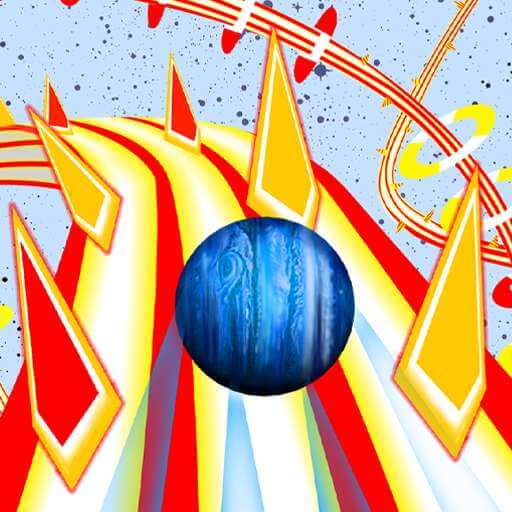
About Crazy Tunnel 3D
Crazy Tunnel 3D adds a fly-and-land action to movement around a tunnel. That creates a second timing problem: finding a clear orbit does not automatically mean the surface is safe when the ball returns to it.
How to Play Crazy Tunnel 3D
Rotate toward an opening and use the vertical action only with a clear landing route in view. Release the flight input while enough space remains to settle onto the next safe section.
Plan the Flight and Return
Rotate toward an opening before beginning a flight, and identify a safe strip where the ball can return to the tunnel. Holding Up keeps the flight action active; releasing it is part of the landing decision. Leave enough space between the release and the next barrier to settle.
Avoid carrying a long sideways rotation through the whole flight without considering the landing surface. The strip you return to may be different from the one you left, so aim for the destination rather than only the hazard below.
Controls
| Input | Action |
|---|---|
| Left / Right Arrow | Move sideways around the tunnel. |
| Hold Up Arrow; release | Flight; release to land. |
Practical Tips
- Choose the landing strip before flying across a floor hazard.
- Avoid holding a rotation input throughout a flight, since the surface you return to may differ from the one you left.
Frequently Asked Questions
Is holding Up the same as a single jump?
The game involves a held flight action with release-to-land behavior, which needs different timing from a one-tap jump.