










About Slope Scratch
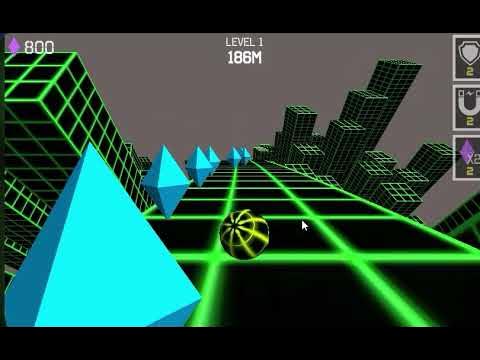
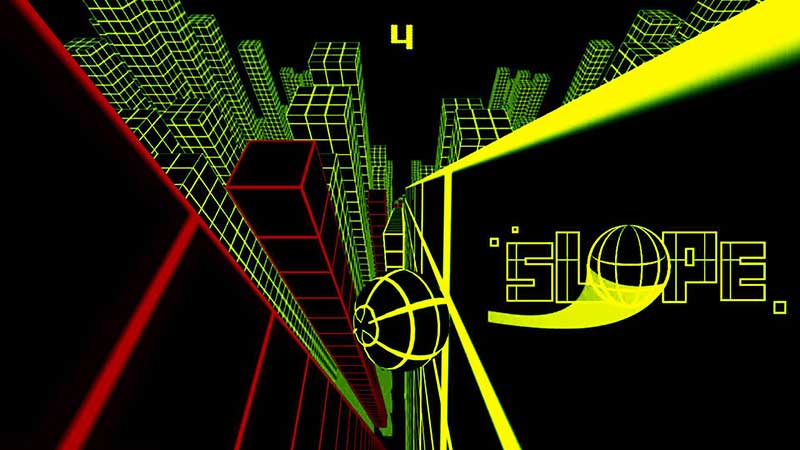
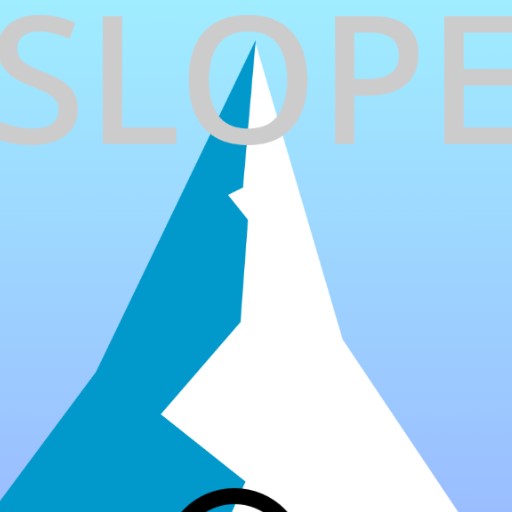
Slope Scratch points to a Scratch project titled Slope. The ball avoids spikes while the course accelerates, and Space changes its color. That color action is separate from direction control: use the movement inputs to preserve the route rather than expecting Space to lift the ball over a hazard.
How to Play Slope Scratch
Move away from approaching spikes and watch how much space remains for the next obstacle. Change the color to help the character stand out against the background.
Use Color and Movement for Different Jobs
Arrow keys or WASD move the ball away from approaching spikes. Space changes its color, which can make the character easier to distinguish against the background; it does not replace a steering decision around the next hazard.
As the course accelerates, watch how much space remains after the first obstacle. Move toward a line with room for the following correction instead of reacting only to the spike closest to the ball.
Controls
| Input | Action |
|---|---|
| Arrow keys or WASD | Move. |
| Space | Change the ball's color. |
Practical Tips
- Pick a color you can distinguish from the scene without assuming it changes collision rules.
- As the run accelerates, identify the next spike before repeating a long movement input.