














About Geometry Arrow 2
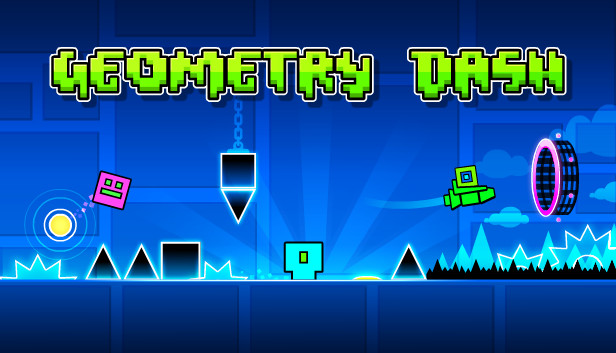
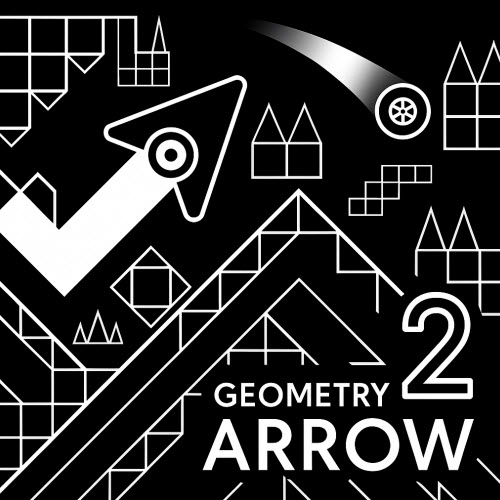
Geometry Arrow 2 alternates between an airborne arrow and a rolling wheel in obstacle courses. The arrow requires continuous height control; the wheel uses timed jumps over ground hazards. A portal can therefore change the meaning of your next press even though the action button stays the same.
How to Play Geometry Arrow 2
Use the left mouse button or Space. In Arrow mode, hold to rise and release to descend, adjusting the length of each hold to the corridor. In Wheel mode, press to jump over a ground obstacle. Prepare the first landing after a portal before repeating the timing learned in the previous form. Escape leaves the level.
Change Strategy at the Portal
In Arrow mode, holding raises the path and release sends it downward. Plan each climb together with the descent needed for the next opening; begin the release before the ceiling becomes an immediate hazard.
Wheel mode changes the task to timed jumps over ground obstacles. At a transition, identify the first safe landing and switch from managing continuous height to choosing a takeoff point. Escape exits the level when you want to leave the attempt.
Controls
| Input | Action |
|---|---|
| Hold left mouse button / Space, then release | Rise / descend in Arrow mode. |
| Press left mouse button / Space | Jump in Wheel mode. |
| Escape | Exit the level. |
Practical Tips
- Release before the arrow reaches the ceiling; a long hold can be as costly as a late press.
- At an Arrow-to-Wheel transition, switch from managing height to choosing a safe jump and landing point.