


About Pacman 30th Anniversary
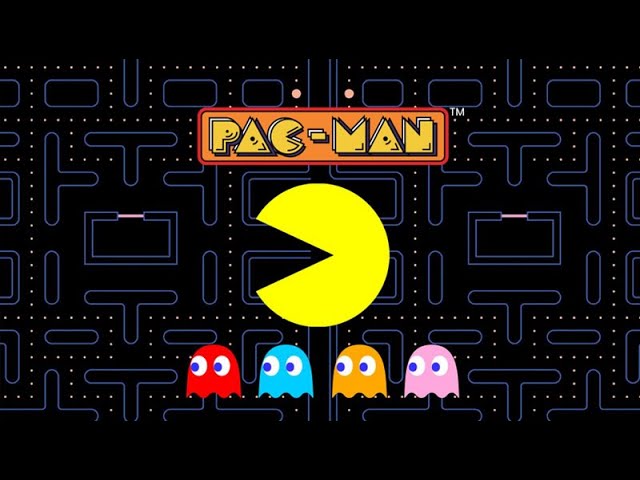
Pacman 30th Anniversary is Google's playable 2010 Doodle, whose maze is built around the Google logo. It recreates the dot-eating chase and ghost behavior of the arcade game, with an extra shared-keyboard option: inserting a second coin brings Ms. PAC-MAN into the same maze.
How to Play Pacman 30th Anniversary
Select Insert Coin to begin, or wait for the game to start. Use the arrow keys to guide PAC-MAN through the maze and collect dots while avoiding ghosts. Clicking the maze is another supported control. Select Insert Coin again to add Ms. PAC-MAN, controlled with WASD.
Plan the Next Maze Junction
Guide PAC-MAN through the Google-shaped maze, collecting dots while keeping an escape route from approaching ghosts. Before entering a corridor, look at the next junction: a passage that collects several dots can also leave little room to turn when a ghost arrives.
Selecting Insert Coin a second time adds Ms. PAC-MAN for shared play. The second player uses WASD, so players can work through different sections instead of retreating into the same blocked corridor.
Controls
| Input | Action |
|---|---|
| Insert Coin | Start; select again to add Ms. PAC-MAN. |
| Arrow keys / click the maze | Guide PAC-MAN. |
| WASD | Guide Ms. PAC-MAN in two-player play. |
Practical Tips
- Read the next junction before entering a corridor occupied by a ghost.
- In two-player play, agree on separate sections to clear so both players do not retreat into the same blocked passage.