























About Undead Corridor
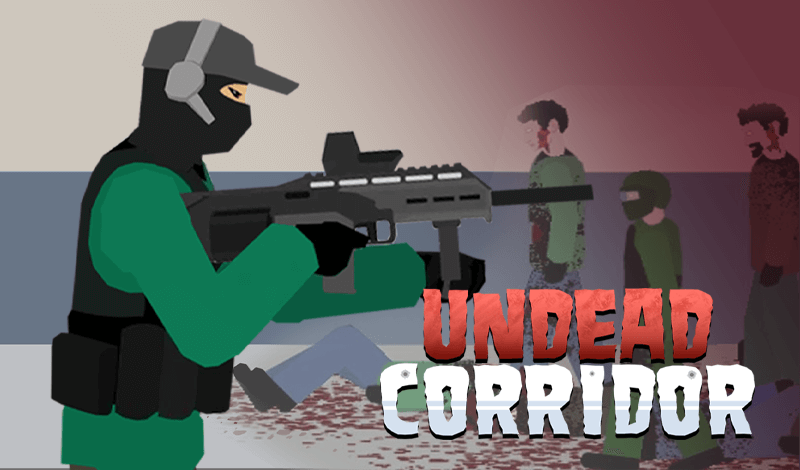
Undead Corridor focuses on defending a confined route against approaching zombies. Space and ammunition decisions interact: concentrating on one target for too long can leave the player without room to handle the enemy closing from another position.
How to Play Undead Corridor
Fire while keeping track of the nearest zombie and your remaining ammunition. Reload with R during a gap, switch weapons with Q and use Space to kick when an enemy closes in. A reload begun at the last moment leaves less room for recovery than one planned between groups.
Reload Between Approaching Groups
Keep the nearest zombie and your remaining ammunition in view while firing. Reload with R during a gap between groups so the action does not begin only when an enemy is already close. Q switches weapons, and Space provides a kick at close range.
Choose targets by immediate threat as well as distance. Concentrating on a far zombie for too long can leave too little room to handle one approaching from another position in the corridor.
Controls
| Input | Action |
|---|---|
| Click / tap | Shoot. |
| Space | Kick. |
| R | Reload. |
| Q | Switch weapons. |
Practical Tips
- Plan a reload before the nearest enemy reaches the player's position.
- Choose targets by immediate threat and available space rather than firing at the farthest visible zombie first.