


























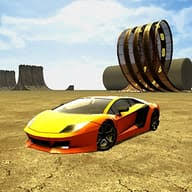
About Madalin Stunt Cars
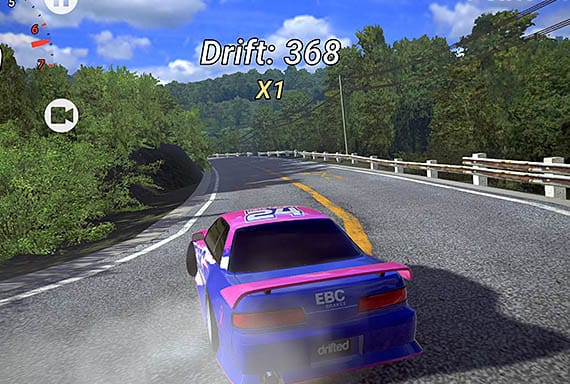
Madalin Stunt Cars is an open-map driving sandbox where you choose the car and the next maneuver to practise. With no traffic, police or pedestrians in the driving area, you can concentrate on controlling the car through a turn and recovering a useful line afterward. Nitro and the handbrake give you different ways to change an approach; using both at once can make it harder to identify what went wrong.
How to Play Madalin Stunt Cars
Begin on an open stretch and learn how much steering a turn needs. Try a handbrake turn with space to straighten afterward, then repeat it with a shorter input. Add nitro on a clear approach once you can keep the car aligned. Reset when you need another attempt instead of spending the session recovering a stranded car.
Practise One Maneuver at a Time
Choose an open stretch to learn the car's steering and the room it needs to straighten after a turn. Use the handbrake on an approach with a clear exit, then repeat with a shorter input to compare the result.
Add nitro after you can keep the car aligned through the same section. Changing approach speed, steering and handbrake timing together makes it harder to identify which part of the maneuver needs adjustment. R resets the car for another attempt.
Controls
| Input | Action |
|---|---|
| WASD / Arrow keys | Drive and steer. |
| Space | Handbrake. |
| Shift | Nitro. |
| R | Reset the car. |
| C | Change camera view. |
Practical Tips
- Change one part of a maneuver at a time: approach speed, steering or handbrake timing.
- Choose a camera view that lets you judge the space needed to recover after a turn.