












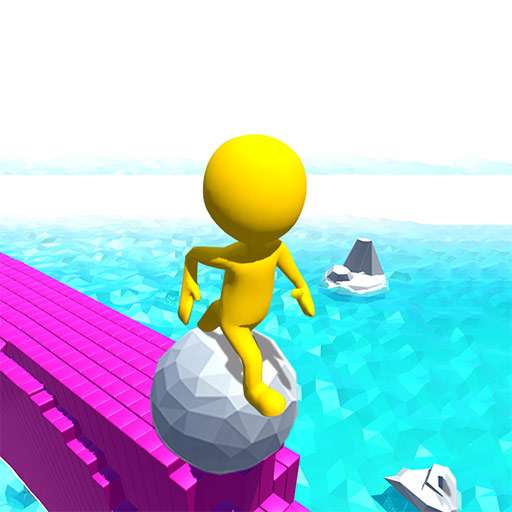
About Roll Run 3D
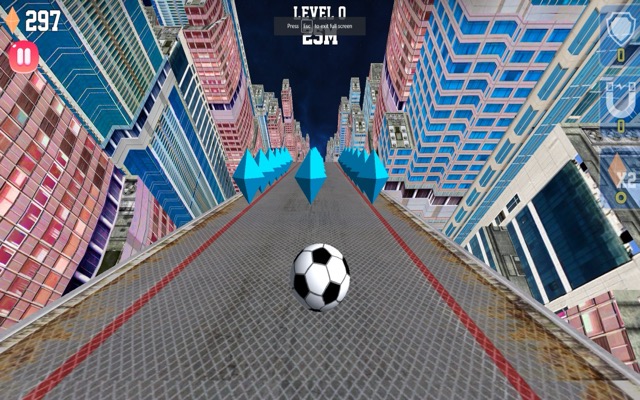
Roll Run 3D uses a hold-to-roll and release-to-stop control scheme. That ability makes waiting part of the solution: a moving barrier can be approached by choosing a safe opening instead of trying to maintain maximum speed throughout a level.
How to Play Roll Run 3D
Hold the input to move toward the next obstacle, release at a safe waiting point, and continue when its opening aligns with the track. Reach the level's destination without letting a barrier push the ball off.
Wait Outside the Moving Trap
Hold the left mouse button to roll and release to stop. Approach a moving barrier at a point where the ball can wait outside its sweep, then continue when the opening aligns with the track. Stopping directly inside the danger zone leaves less room to respond.
Before resuming, look at the exit as well as the current gap. A crossing should place the ball on a supported section from which it can approach the next obstacle.
Controls
| Input | Action |
|---|---|
| Hold left mouse button | Roll forward. |
| Release | Stop. |
Practical Tips
- Wait before the danger zone rather than inside a moving obstacle's sweep.
- Resume with the exit visible so you do not clear one barrier only to stop on an exposed connection.