









About Geometry Rush 4D
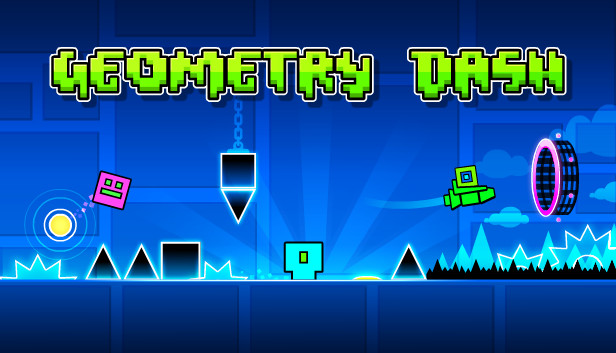
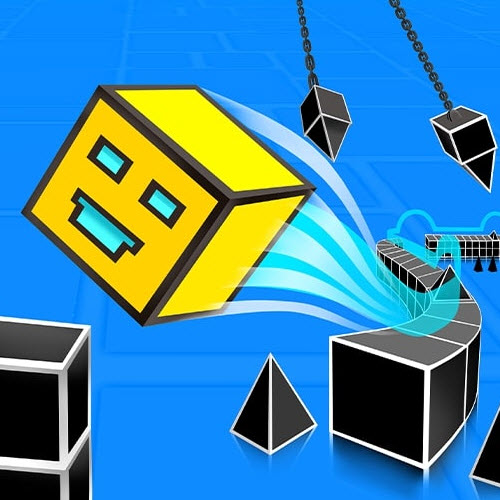
Geometry Rush 4D is a geometric platform course with a primary jump input. Perspective effects make it useful to follow the playable surfaces closely: find the landing platform before triggering the jump, then use its connection to prepare for the next obstacle.
How to Play Geometry Rush 4D
Read the next platform or opening and jump with the landing in view. After a visual transition, use the actual playable surfaces to re-establish the route rather than the scene's decorative motion.
Follow the Playable Surface
Perspective effects can make the scene appear to move independently of the route. Before jumping, locate the platform you intend to reach and use its visible edge as your timing reference. Look at the connection after the landing as well as the obstacle being cleared.
After a visual transition, establish the new surface before adding another input. A second jump is useful when the following obstacle requires it, not simply because the previous jump succeeded.
Controls
| Input | Action |
|---|---|
| Space, Up Arrow or left mouse click | Jump options. |
Practical Tips
- Use the visible landing surface as the timing reference when perspective effects become busy.
- Avoid adding a second input after clearing one hazard unless the next obstacle requires it.